
Why UDISE Plus School Login Matters for Every School
UDISE Plus School Login (Unified District Information System for Education Plus) is India’s national digital backbone for school-level data. From infrastructure and teacher details to student enrolment and learning indicators, it ensures schools receive proper funding, resources, and recognition. Because the portal drives policy, grants, and planning, every headteacher and data operator must know how to log in, update, and protect their data.
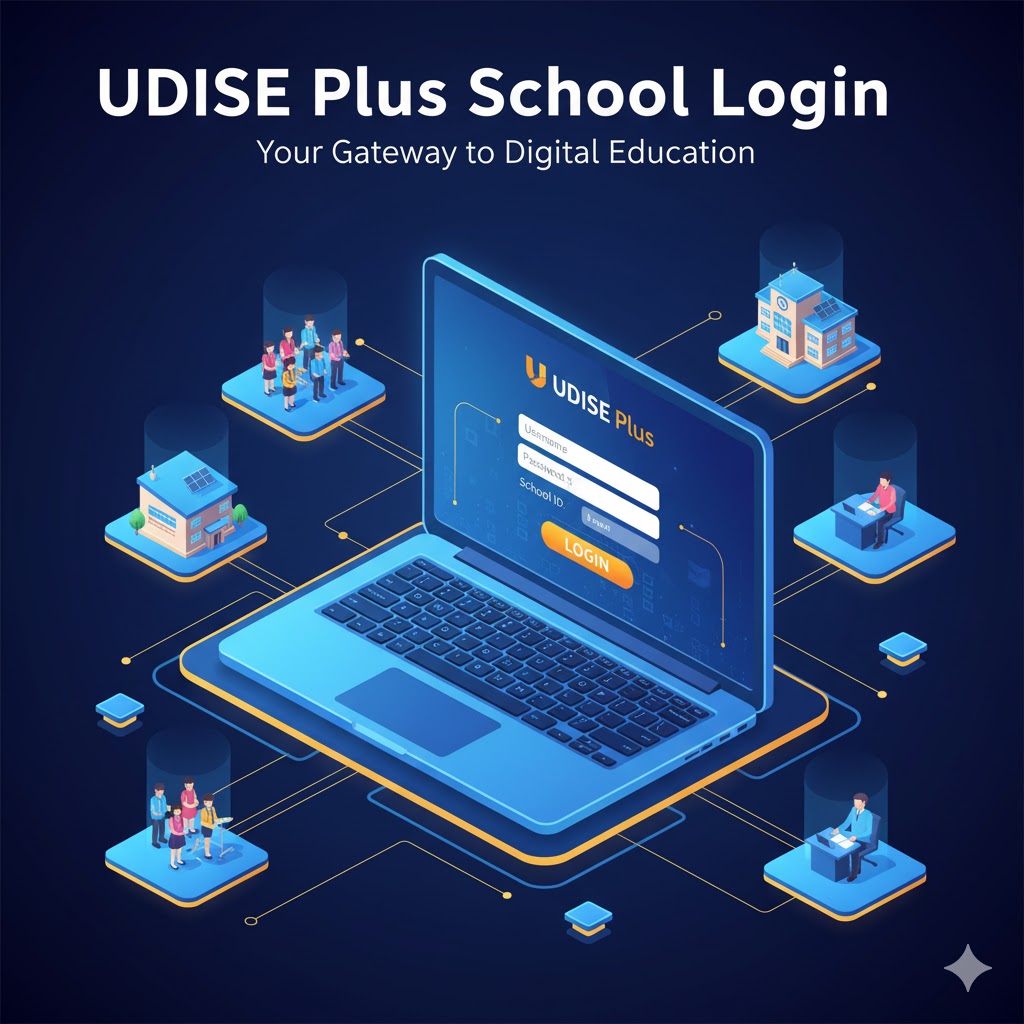
What is UDISE+ and Who Runs It?
UDISE+ is an online educational management information system maintained by the Department of School Education & Literacy (Ministry of Education) and hosted by the National Informatics Centre (NIC). It is the official source for school counts, enrolments, facilities, and teacher records across districts and states.
UDISE Plus School Login Modules Commonly Used by Schools
| Module | Purpose |
|---|---|
| UD (School Directory & User Management) | Manage school account details, user credentials, and UDISE code-based access. |
| SDMS (Student Data Management) | Handle student enrolment, transfers, attendance, dropouts, and DCF submissions. |
| Profile & Facility | Update infrastructure, amenities, and school profile details for planning and grants. |
| Teacher Module | Record teacher details, service status, qualifications, and training data. |
Checklist Before Attempting UDISE Plus School Login
Credentials
Keep your 11-digit UDISE code and password issued by Block/District MIS handy.
Browser & Internet
Use Chrome/Edge/Firefox, enable pop-ups and JavaScript, and ensure stable connectivity.
Mobile & OTP
Ensure the registered mobile/email is up to date for password resets.
Documents & Time
Keep scanned documents ready (school recognition, photos) and allocate uninterrupted time.
Step-by-step Login (UD Module)
- Visit udiseplus.gov.in and select “Login for All Modules”.
- Enter your school’s UDISE code or username provided by Block MIS.
- Input the assigned password. Change temporary ones immediately.
- Solve the captcha carefully and click Login.
- After login, manage user accounts, access roles, and verify basic school directory details.
UDISE Plus School Login Guide
Why UDISE Plus School Login Matters for Every School
UDISE+ (Unified District Information System for Education Plus) is India’s national digital backbone for school-level data. From infrastructure and teacher details to student enrolment and learning indicators, it ensures schools receive proper funding, resources, and recognition. Because the portal drives policy, grants, and planning, every headteacher and data operator must know how to log in, update, and protect their data.
What is UDISE+ and Who Runs It?
UDISE+ is an online educational management information system maintained by the Department of School Education & Literacy (Ministry of Education) and hosted by the National Informatics Centre (NIC). It is the official source for school counts, enrolments, facilities, and teacher records across districts and states.
UDISE+ Modules Commonly Used by Schools
| Module | Purpose |
|---|---|
| UD (School Directory & User Management) | Manage school account details, user credentials, and UDISE code-based access. |
| SDMS (Student Data Management) | Handle student enrolment, transfers, attendance, dropouts, and DCF submissions. |
| Profile & Facility | Update infrastructure, amenities, and school profile details for planning and grants. |
| Teacher Module | Record teacher details, service status, qualifications, and training data. |
Checklist Before Attempting UDISE Plus School Login
Credentials
Keep your 11-digit UDISE code and password issued by Block/District MIS handy.
Browser & Internet
Use Chrome/Edge/Firefox, enable pop-ups and JavaScript, and ensure stable connectivity.
Mobile & OTP
Ensure the registered mobile/email is up to date for password resets.
Documents & Time
Keep scanned documents ready (school recognition, photos) and allocate uninterrupted time.
Step-by-step Login (UD Module)
- Visit udiseplus.gov.in and select “Login for All Modules”.
- Enter your school’s UDISE code or username provided by Block MIS.
- Input the assigned password. Change temporary ones immediately.
- Solve the captcha carefully and click Login.
- After login, manage user accounts, access roles, and verify basic school directory details.
Teacher Module & Profile & Facility
Teacher Module Login
Accessible from the main UDISE+ portal or direct module link. Use the username/password issued by Block MIS. After login, update staff records, qualifications, and training information.
Profile & Facility Module
Login with your UDISE code as username (password via Block/District MIS). Update infrastructure such as classrooms, toilets, water, labs, and attach required documents. Keep local copies of submissions for verification.
Common Login Problems & Fixes
Forgotten or Expired Password
Use “Forgot Password” if linked with mobile/email. Otherwise, request reset from Block/District MIS.
Captcha Errors
Refresh captcha, clear cache, or switch browsers if it fails repeatedly.
Account Locked
Contact Block/District MIS to unlock. Provide UDISE code and identity proof.
Incorrect Username
Verify you’re using the correct 11-digit UDISE code or state-specific ID if applicable.
Redirection or Missing Module
Some states redirect via gateway pages. Confirm module opening dates with district office.
Form Submission Errors
Save drafts often, avoid peak hours, and split large updates into smaller sessions.
Security & Data Integrity Best Practices
- Assign roles carefully, restrict edit rights only to trained staff.
- Use strong passwords, change regularly, and avoid sharing insecurely.
- Enable OTP-based verification where available.
- Maintain backups of DCF and student lists with timestamps.
- Train staff regularly on login protocols and data hygiene.
- Never share login screenshots or credentials publicly.
Frequently Asked Questions
Closing Notes & Quick Checklist
Keeping UDISE+ data current ensures accurate funding, planning, and fair recognition of your school. Here’s a quick checklist you can print and share with staff:
- Keep your school’s UDISE code and Block MIS contact secure.
- Always verify you are on udiseplus.gov.in before login.
- Save drafts frequently in SDMS and long forms.
- Change temporary passwords immediately and track user permissions.
- Update Block MIS if your registered mobile/email changes.